
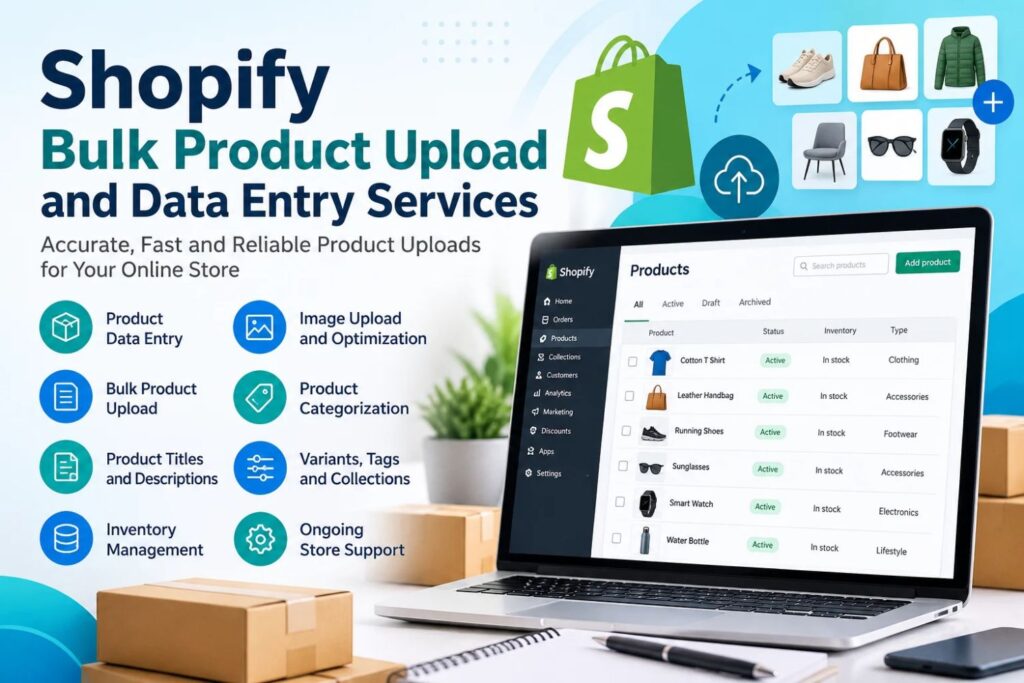
Adding products one by one works when you have ten items. At 500 or 5,000, it becomes a slow, error-prone job. A CSV import lets you upload hundreds of products in one go, but only if your file is set up correctly. This guide walks through the process, the common mistakes, and when a professional Shopify bulk product upload service makes more sense than doing it yourself.
What Is a Shopify CSV Product Import?
A CSV (comma-separated values) file is a spreadsheet saved in a simple format. Each row is a product or variant, and each column is a product field such as title, price, SKU or image URL. Shopify reads this file and creates your products in bulk.
Step-by-Step: How to Bulk Upload Products to Shopify
1. Download Shopify’s Sample CSV
In your Shopify admin, go to Products > Import and download the sample template. Use its exact column headers. Renaming or removing them is the most common reason imports fail.
2. Prepare Your Product Data
Fill in the template with your product information. Key fields include:
- Handle: the unique URL-friendly name for each product
- Title and Body (HTML): product name and description
- Vendor, Type and Tags: used for organization and filtering
- Variant SKU, Price and Inventory: needed for each variant
- Image Src: a public image URL
3. Handle Variants Correctly
For products with sizes or colors, repeat the same Handle on each row, and fill in the option columns for every variant. Only the first row needs the full product details.
4. Upload and Review
Save the file as CSV (UTF-8), then go to Products > Import and select it. Shopify shows a preview before you confirm. Check it carefully, then import. Starting with a small test file of five to ten products is a smart way to catch formatting problems early.
Common Challenges and How to Fix Them
- Images not showing: Image URLs must be publicly accessible. Links from private folders won’t import.
- Duplicate or overwritten products: If a Handle matches an existing product and you select the overwrite option, that product is replaced. Back up your store data first.
- Broken characters: Save in UTF-8 to keep special characters intact.
- Missing variants: Make sure every variant row repeats the correct Handle and option values.
- Large files: Very big files can be slow or hit size limits. Splitting them into smaller batches helps.
Tips for Cleaner Product Data
- Keep SKUs unique and consistent.
- Write unique descriptions instead of copying supplier text.
- Add SEO-friendly titles and alt text for images.
- Use a consistent naming format for tags and collections.
Good data entry does more than fill fields. Clear titles, accurate specifications and well-organized collections help shoppers find products and help search engines understand them.
When to Use a Shopify Product Data Entry Service
DIY imports are fine for small, tidy catalogs. Consider professional Shopify product data entry services when:
- You’re migrating from another platform
- Supplier data is messy or inconsistent
- You manage thousands of SKUs with many variants
- Your team lacks time to clean, format and verify data
A specialist can handle data cleanup, formatting, image linking and post-import quality checks, so you launch with fewer errors.
FAQs
Can I upload products to Shopify without an app?
Yes. Shopify’s built-in CSV import handles it without any app.
What file format does Shopify accept?
CSV files. Save in UTF-8 encoding.
How do I upload product variants?
Repeat the same Handle across rows and fill in the option columns for each variant.
Can I update existing products with CSV?
Yes. Export your products, edit the file, and re-import it with the overwrite option selected.
Why are my product images not importing?
Usually the image URLs are private, broken or incorrectly formatted.
Should I test before a full upload?
Yes. A small test batch saves time and prevents large-scale errors.
Is a bulk upload service worth it?
For large or messy catalogs, it often saves time and reduces mistakes.
Conclusion
CSV import is a reliable way to add products at scale when your file follows Shopify’s template and your data is clean. Test first, check your images, and back up before overwriting anything. If your catalog is large or complicated, Shopify Store Manager offers Shopify bulk product upload and product data entry services. Contact us for a quote and get your products live without the spreadsheet headaches.