
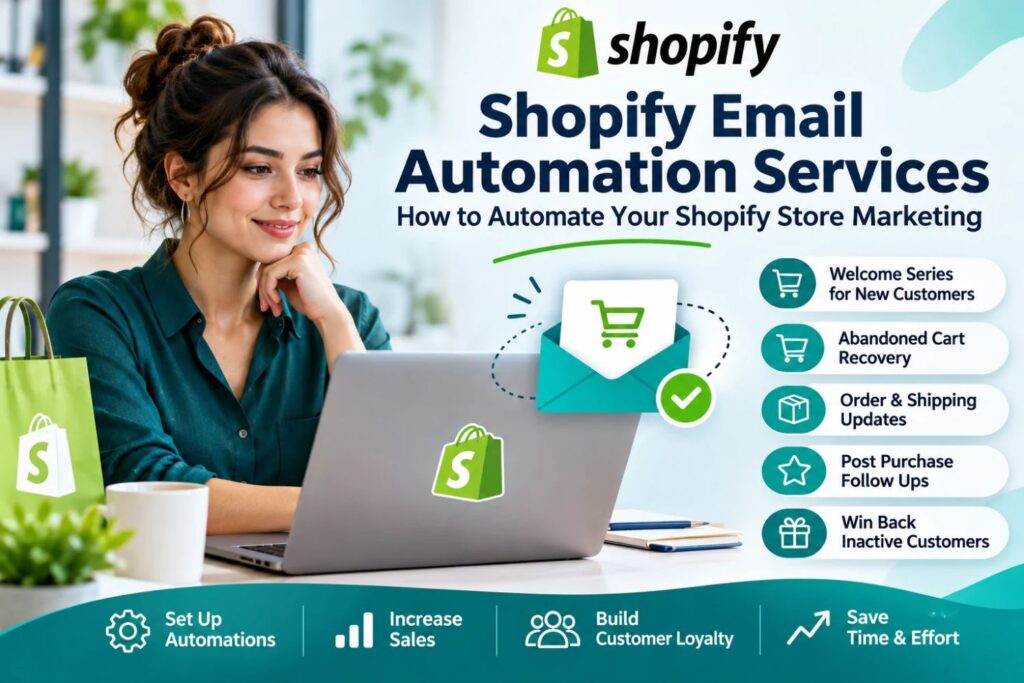
Sending every email by hand doesn’t scale. You write a campaign, miss a follow-up, and a customer who abandoned their cart never hears from you again. If you’re researching Shopify Email Automation Services, you likely want your store to keep selling and building relationships without you managing every send.
This guide explains what these services cover, which workflows matter most, and how to avoid common mistakes.
What Are Shopify Email Automation Services?
Shopify Email Automation Services cover the setup, management, and ongoing improvement of triggered emails for your store. Instead of sending one-off blasts, you build flows that fire automatically when a customer takes a specific action, such as signing up, abandoning a cart, or placing an order.
Providers typically work inside tools like Shopify Email, Klaviyo, or Omnisend. They handle strategy, copywriting, design, segmentation, and testing so the system keeps running on its own.
Why Automate Your Shopify Email Marketing?
- Timely messages: Emails reach customers when they’re most likely to act.
- Consistency: Follow-ups happen every time, not only when you have time.
- Relevance: Segmentation lets you send different messages to new visitors, first-time buyers, and loyal customers.
- Less manual work: Your team can focus on products, ads, and customer service.
Core Workflows Worth Setting Up First
Welcome Series
A new subscriber is your warmest lead. A short sequence introducing your brand, bestsellers, and shipping or returns policy sets expectations early.
Abandoned Cart and Browse Abandonment
Many shoppers leave before checkout. A gentle reminder, sometimes with product images or a small incentive, can bring some of them back. Test the timing and the number of emails rather than copying a template.
Post-Purchase Follow-Up
Order confirmations, shipping updates, and review requests keep customers informed and build trust. Cross-sell suggestions can follow once the product arrives.
Win-Back Campaigns
Customers who haven’t purchased in a while can be re-engaged with a reminder or a relevant offer. If they still don’t respond, clean your list to protect deliverability.
What to Look for in a Provider
Not every agency offers the same level of service. Before hiring, check:
- Platform experience: Do they work with the tool you already use?
- Clear process: Ask how they plan flows, write copy, and report results.
- Segmentation skills: Good automation depends on clean, well-organized data.
- Compliance knowledge: Consent, unsubscribe options, and privacy rules like GDPR and CAN-SPAM matter.
- Transparent reporting: You should see open rates, click rates, and revenue attributed to each flow.
Common Challenges and Solutions
Generic emails. Use customer data such as purchase history and browsing behaviour to personalize content.
Poor deliverability. Authenticate your sending domain and avoid purchased lists.
Too many emails. Set frequency limits so customers aren’t hit by several flows at once.
Set-and-forget thinking. Review performance regularly and update subject lines, offers, and timing.
FAQs
1. What is Shopify email automation?
It’s the use of triggered, behavior-based emails that send automatically, such as welcome, cart reminder, and order follow-up messages.
2. Do I need a paid tool?
Shopify Email works for basic needs. Stores wanting advanced segmentation often choose tools like Klaviyo or Omnisend.
3. How long does setup take?
It depends on the number of flows and the state of your customer data. Core flows can often be live within a few weeks.
4. Can automation hurt my brand?
Only if emails are irrelevant or too frequent. Thoughtful segmentation and testing prevent this.
5. How do I measure success?
Track click rate, conversion rate, and revenue per flow, not just open rates.
6. Should I hire a service or do it myself?
If you have the time and know-how, DIY can work. A service makes sense when you want faster setup and ongoing optimization.
Conclusion
Email automation lets your store communicate with customers at the right moment, every time. Start with a few high-impact flows, measure the results, and refine from there.
If you’d rather have experts handle the setup and optimization, Shopify Store Manager can help you plan and run email flows that fit your store. Get in touch to discuss your goals.