
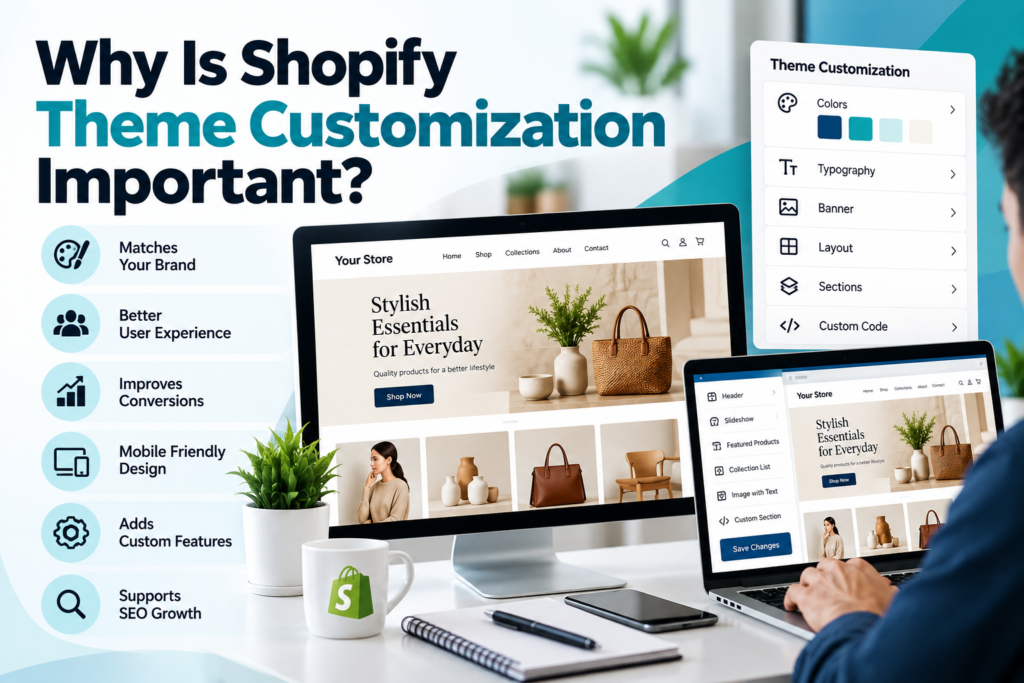
You launched your store with a good-looking theme, but it feels like every other shop in your niche. Visitors browse, then leave. That’s usually the point where Shopify theme customization stops being a nice-to-have and becomes a business decision.
This guide explains why customizing your theme matters, what it can change, and how to approach it without breaking your store.
What Is Shopify Theme Customization?
Shopify theme customization means adapting a theme’s design, layout, and functionality to fit your brand and customers. It ranges from simple edits in the theme editor to custom Liquid code and developer-built features.
Why Shopify Theme Customization Matters
1. It Sets Your Brand Apart
Thousands of stores use the same popular themes. Customizing colors, typography, imagery, and layout makes your store recognizable and helps shoppers remember you.
2. It Improves the Shopping Experience
Default themes are built for general use, not your specific catalog. Customization lets you shape the experience around how your customers actually shop. Examples include:
- A product page layout that highlights size guides or ingredients
- Cleaner navigation or a mega menu for large catalogs
- Sticky add-to-cart buttons on mobile
- Custom collection filters
3. It Can Support Conversions
Clear layouts, visible trust signals, and fewer steps to purchase reduce friction. No customization guarantees higher sales, but removing obstacles on key pages is one of the more reliable ways to improve Shopify store conversion rate. Test changes and measure results.
4. It Helps Site Speed and Performance
Many themes ship with features you never use. Removing unused sections, scripts, and heavy apps can make pages lighter, which supports both user experience and search visibility.
5. It Supports SEO Basics
A well-customized theme gives you control over heading structure, image alt text, structured content blocks, and clean mobile layouts. These are foundations of Shopify SEO, though the theme alone won’t rank your store.
Common Challenges (and Solutions)
- Breaking the theme during updates: Duplicate your theme and work on the copy. Use version control for code changes.
- App clutter: Choose custom sections over extra apps where possible.
- Overdesigning: Prioritize clarity over decoration. Every element should serve the shopper.
- Unclear scope: Write down goals first, such as lower bounce rate on product pages, before changing anything.
Practical Tips Before You Start
- Audit your current store: identify where visitors drop off.
- Decide what the theme editor can handle and what needs a developer.
- Customize the highest-impact pages first: homepage, product pages, cart.
- Check every change on mobile.
- Test one change at a time so you know what worked.
Frequently Asked Questions
Can I customize a Shopify theme without coding?
Yes. The theme editor lets you change sections, colors, fonts, and layouts without code.
When do I need a developer?
When you want custom functionality, unique page templates, or edits beyond what the editor allows.
Does customization affect site speed?
It can either way. Clean, lean changes help; heavy scripts and extra apps hurt.
Will customizing my theme break updates?
Code edits can conflict with updates, so work on a duplicate and keep notes on changes.
Is a custom theme better than a premium theme?
Not always. Many stores do well with a customized premium theme. Fully custom builds suit complex needs.
How long does Shopify theme customization take?
Small tweaks take hours. Larger projects can take weeks, depending on scope.
Does theme customization help SEO?
It helps by improving structure, mobile usability, and speed, but content and technical SEO still matter.
Conclusion
Shopify theme customization is about making your store clearer, faster, and more recognizable to the people you want to serve. Start with research, make focused changes, and measure the outcome.
If you want expert help planning or implementing theme changes, the team at Shopify Store Manager can review your store and recommend the right next steps.